
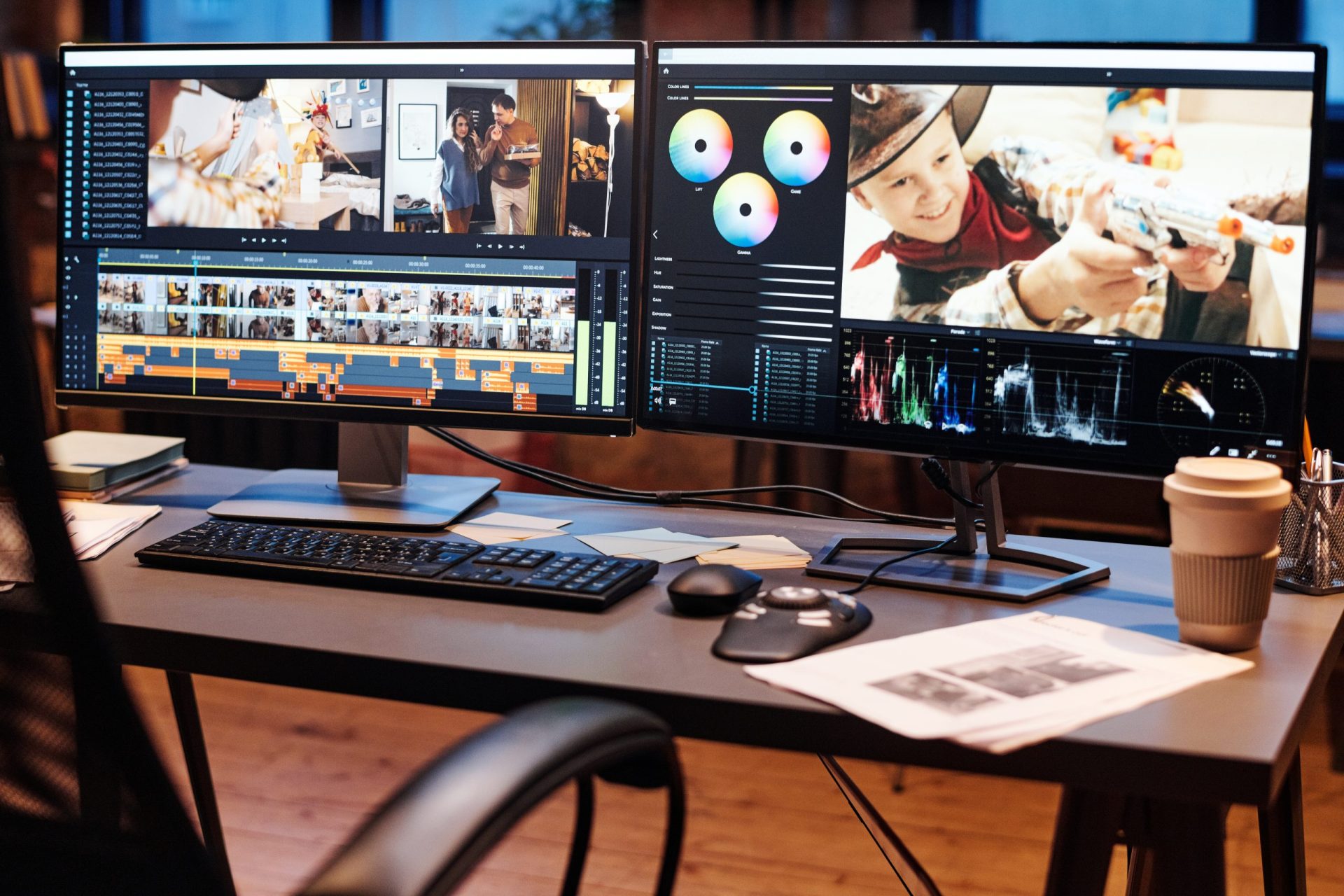
Social media has become the primary platform for brands to engage with customers, and visually appealing content is crucial to capturing attention in the crowded digital landscape. Whether you’re creating eye-catching graphics for Instagram, TikTok videos, or YouTube tutorials, the right graphics and video editing software can elevate your social media strategy. In 2025, there are numerous tools that offer powerful features to streamline the creation process and ensure your content stands out. Below, we’ll review the best graphics and video editing software to help you produce compelling social media content.
1. Adobe Creative Cloud: The Industry Standard:
Overview: Adobe Creative Cloud remains one of the most comprehensive and widely-used suites for graphic design and video editing. It includes popular software like Photoshop, Illustrator, Premiere Pro, After Effects, and more. These tools provide unmatched flexibility and creative control for producing professional-level content.
-
Key Features:
-
Photoshop: Industry-standard for image manipulation, retouching, and graphic design.
-
Illustrator: Perfect for creating vector-based graphics, logos, and illustrations.
-
Premiere Pro: Powerful video editing software for producing high-quality video content.
-
After Effects: Ideal for creating motion graphics, animations, and visual effects.
-
Stock Assets: Access to Adobe Stock, a library of images, videos, and assets.
-
-
Pricing: Adobe Creative Cloud offers plans starting at $20.99 per month for single apps like Photoshop or Illustrator. The full suite, which includes all Adobe apps, costs $52.99 per month.
-
Best For: Professionals and businesses that require advanced design and editing capabilities across multiple platforms. Ideal for companies with dedicated teams in graphic design and video production.
2. Canva: Easy and Accessible for Social Media Creators:
Overview: Canva has grown in popularity thanks to its easy-to-use interface and powerful design tools. It’s perfect for marketers, small businesses, and content creators who need high-quality graphics and videos without the steep learning curve of professional software.
-
Key Features:
-
Drag-and-drop editor for creating social media posts, banners, ads, and more.
-
Extensive library of templates, fonts, and stock images.
-
Video editing features for creating short-form videos ideal for Instagram, TikTok, and Facebook.
-
Social media content planner to schedule posts directly from Canva.
-
Collaboration features for teams to work on designs together in real time.
-
-
Pricing: Canva offers a free plan with limited features. The Pro plan, which includes access to premium assets, advanced editing tools, and more templates, costs $12.99 per month.
-
Best For: Small businesses, social media managers, and content creators who need a quick and easy design tool for creating professional-looking graphics and videos. Ideal for those with little to no design experience.
3. Final Cut Pro: Professional Video Editing for Apple Users:
Overview: Final Cut Pro is Apple’s professional video editing software, favored by video content creators who need a powerful and efficient tool for high-quality video production. It’s particularly popular among YouTubers and social media influencers who focus on video content creation.
-
Key Features:
-
Multi-camera editing for complex video shoots.
-
Advanced color grading tools to enhance video quality.
-
High-quality video export options for different platforms.
-
Magnetic timeline for intuitive video editing.
-
Seamless integration with other Apple software and hardware.
-
-
Pricing: Final Cut Pro costs a one-time payment of $299.99, which is a great value compared to subscription-based services.
-
Best For: Video content creators, YouTubers, and businesses that require professional-level video editing, especially for Apple devices.
4. InShot: Simple Video Editing for Social Media:
Overview: InShot is a popular mobile video editing app designed for quick and easy video production on the go. With its simple interface and powerful editing features, it’s ideal for creating social media videos, particularly for Instagram, TikTok, and YouTube Shorts.
-
Key Features:
-
Video trimming, speed adjustments, and transitions.
-
Add music, text, and stickers to enhance video content.
-
Multi-video editing capabilities for creating engaging sequences.
-
Easy sharing options to post directly to Instagram, TikTok, or other platforms.
-
-
Pricing: InShot offers a free version with basic features. The Pro version, which includes advanced features like removing watermarks and additional effects, costs $3.99 per month or $14.99 for a lifetime subscription.
-
Best For: Social media influencers, small businesses, and content creators who need a quick and simple tool for editing videos on their phones.
5. Filmora: Easy Video Editing for Beginners:
Overview: Filmora is a user-friendly video editing software that offers a wide range of features for beginners and intermediate video creators. It’s an excellent choice for social media marketers who need to create engaging videos without the complexity of professional tools like Adobe Premiere Pro.
-
Key Features:
-
Simple drag-and-drop interface for quick video editing.
-
A large library of built-in effects, transitions, and music.
-
Green screen and chroma key features for special effects.
-
Video stabilization and color correction tools.
-
Direct sharing to social media platforms like YouTube, Facebook, and Instagram.
-
-
Pricing: Filmora offers a free trial, with paid plans starting at $39.99 per year or a one-time payment of $69.99.
-
Best For: Beginner to intermediate video editors who need an affordable, easy-to-use tool for creating social media videos.
6. Adobe Premiere Rush: Streamlined Video Editing for Social Media:
Overview: Adobe Premiere Rush is a simplified version of Premiere Pro, designed specifically for social media content creators. It offers many of the professional-grade features of its parent software but in a more accessible and streamlined format.
-
Key Features:
-
Multi-track editing for video, audio, and images.
-
Easy video trimming, transitions, and effects.
-
Built-in templates for quick social media video creation.
-
Cloud syncing for editing across devices.
-
Auto-ducking for music to adjust audio levels automatically.
-
-
Pricing: Adobe Premiere Rush offers a free version with limited features. Paid plans start at $9.99 per month for the individual plan.
-
Best For: Social media influencers, content creators, and marketers who need a simplified but powerful video editing tool that integrates well with other Adobe products.
Conclusion: Choosing the Right Software for Social Media Content:
Selecting the right graphics and video editing tools depends on your needs, budget, and level of expertise. For professional-grade design and video production, Adobe Creative Cloud is the best choice, though it comes at a premium. Canva is an excellent option for businesses looking for an easy, affordable design tool with a fast learning curve. For video editing, Final Cut Pro offers advanced features for Apple users, while InShot and Filmora are perfect for beginners or on-the-go editing. Adobe Premiere Rush strikes a balance between ease of use and powerful editing features, making it an excellent choice for social media marketers in 2025.
By selecting the right tools, you can streamline your content creation process and produce eye-catching graphics and videos that captivate your audience on social media.