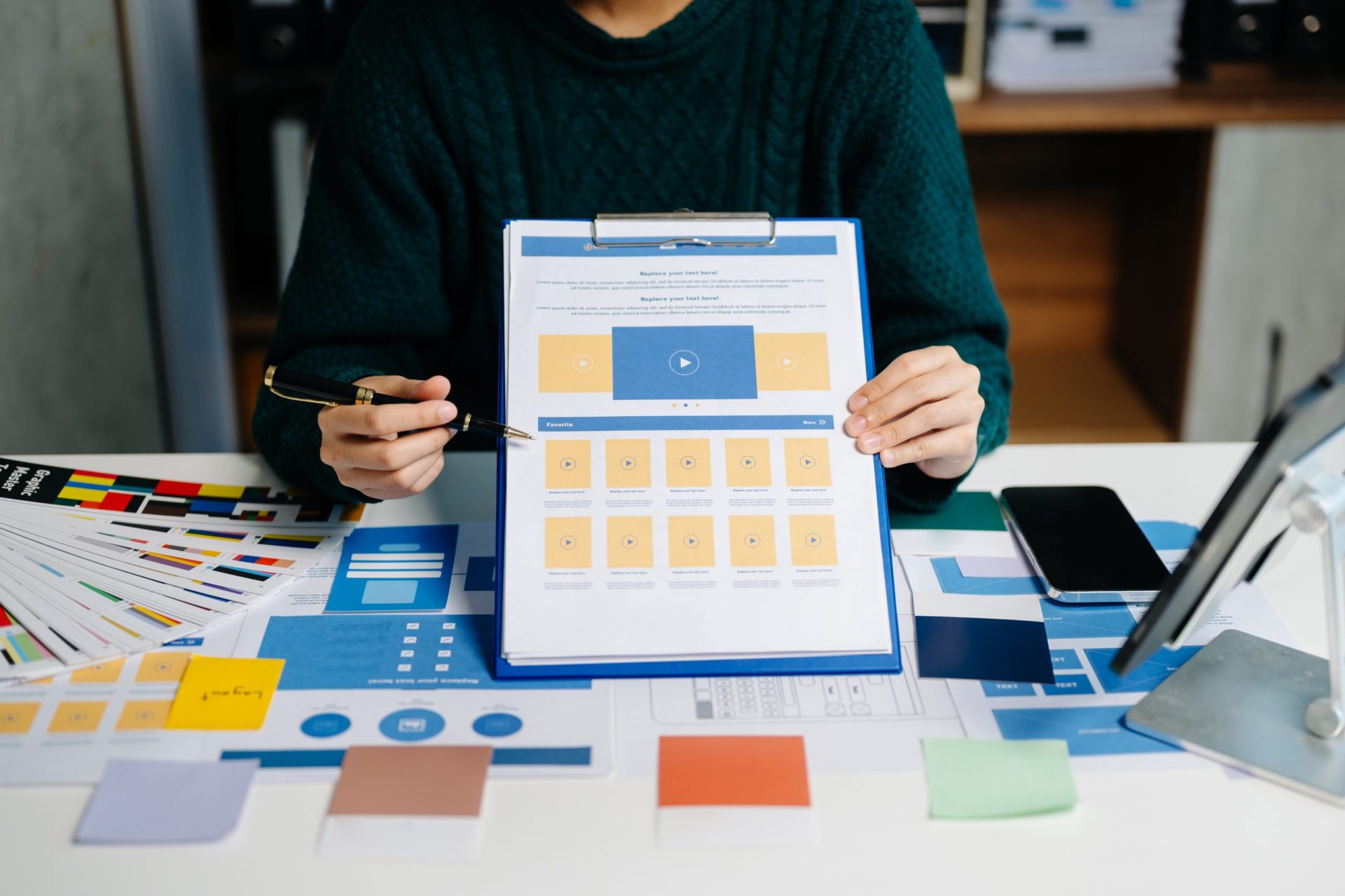
Not every business has a designer on staff—and not every entrepreneur has the time or skills to create stunning visuals from scratch. Thankfully, in 2025, design templates make it possible for anyone to build a polished, professional brand in just a few hours.
Whether you’re designing social posts, presentations, websites, or marketing materials, ready-made templates take the guesswork out of design. This guide breaks down the essential templates non-designers need, the platforms to use, and how to achieve professional-quality visuals without stress.
Why Templates Are the Secret Weapon for Non-Designers:
Templates instantly eliminate complexity by offering:
-
Pre-made layouts.
-
Matching color palettes.
-
Balanced typography.
-
Professional composition.
-
Customizable elements.
You simply plug in your text, drop in your images, and export.
Templates Every Non-Designer Should Use:
Below are the most essential templates anyone can use to build a consistent brand.
1. Logo Templates:
Even if you’ve never used design software, logo templates help you create:
-
Icon-based logos.
-
Wordmark logos.
-
Badge-style logos.
-
Minimal modern marks.
Platforms like Canva and Looka provide drag-and-drop logo creation with no skills required.
2. Brand Kit Templates:
These include:
-
Color palettes.
-
Typography sets.
-
Logo variations.
-
Social media guidelines.
Brand kits ensure all your content looks cohesive—even if multiple team members are designing.
3. Social Media Templates:
These are every non-designer’s best friend.
Must-have formats include:
-
Instagram posts.
-
TikTok covers.
-
LinkedIn banners.
-
Carousel slides.
-
Stories templates.
-
Reels thumbnails.
Good templates help you maintain consistency while posting frequently.
4. Presentation Templates:
Perfect for:
-
Sales pitches.
-
Trainings.
-
Workshops.
-
Client presentations.
Platforms like Canva, Pitch, and Google Slides offer beautiful layouts even beginners can use.
5. Website & Landing Page Templates:
No coding or design knowledge required.
Templates help you build:
-
Homepage layouts.
-
Service pages.
-
Portfolio pages.
-
Product pages.
-
Funnels & lead generation pages.
Tools like Webflow, Wix, and WordPress themes make it simple.
6. Email Newsletter Templates:
Professional email layouts help you:
-
Display products.
-
Promote blog posts.
-
Announce sales.
-
Introduce new services.
Drag-and-drop editors make customization easy.
7. Marketing Material Templates:
Examples include:
-
Flyers.
-
Posters.
-
Business cards.
-
Brochures.
-
E-book layouts.
These help you create print-ready designs without complex software.
How to Choose the Right Template (Even if You’re Not a Designer):
Here are things to look for:
1. Clean Layout:
Avoid clutter. Good templates use space wisely.
2. Clear Typography:
Readable fonts = professional appearance.
3. Flexible Color Options:
The template should be easy to customize in your brand colors.
4. Balanced Composition:
Look for:
-
Alignment.
-
Symmetry.
-
Hierarchy.
5. Versatility:
Choose templates that work across multiple platforms.
Best Platforms for Non-Designers in 2025:
1. Canva:
Still the #1 choice for easy design templates.
2. Figma Community Templates:
Great for UI/UX and web layouts.
3. Notion:
Beautiful templates for documents, planners, and content calendars.
4. Adobe Express:
Simple but powerful editing tools.
5. Webflow & Squarespace:
Professional website templates without coding.
Tips for Achieving Professional Design Quality:
1. Stick to Your Brand Kit:
Use your brand colors, fonts, and logos consistently.
2. Don’t Overcrowd:
Simple designs convert better.
3. Use High-Quality Photos:
Stock images from Unsplash or Pexels can elevate any design.
4. Keep Text Short:
Most viewers skim—so make content easy to read.
5. Repurpose Smartly:
Turn one video into:
-
A reel.
-
A carousel.
-
A YouTube short.
-
An email banner.
Conclusion:
Non-designers no longer need weeks—or a designer—to build a professional brand. With the right templates, you can create stunning visuals in minutes and maintain a consistent identity across all platforms. Whether you’re launching a new business or upgrading your brand presence, templates give you the power to design confidently and efficiently.